The AI coding ecosystem has reached a consensus on how developers structure project instructions for autonomous agents. Over the last few months, AGENTS.md has …
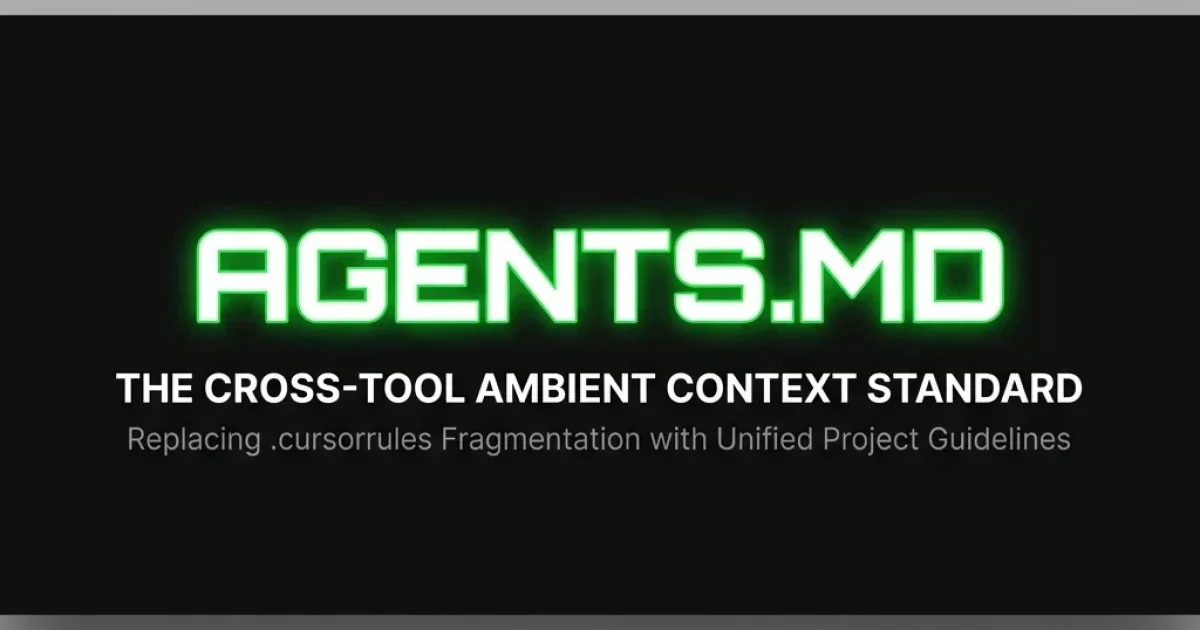
The AI coding ecosystem has reached a consensus on how developers structure project instructions for autonomous agents. Over the last few months, AGENTS.md has emerged as the leading open standard for ambient workspace guidelines, rapidly deprecating proprietary, tool-specific configuration files like .cursorrules. Supported natively by industry giants and developer favorites alike—including Cognition's Devin, Cursor, GitHub Copilot, and Claude Code—the standard provides multi-agent engineering organizations with a single, portable source of truth.
The Problem: proprietary Prompt Fragmentation
As AI coding assistants transitioned from simple autocomplete widgets to autonomous, multi-file agents, developers struggled to guide their behavior. If a team wanted an agent to follow strict architecture constraints (such as maintaining a specific directory structure or writing unit tests first), they had to inject these instructions into the agent's environment.
This led to proprietary configuration fragmentation. Each tool launched its own custom instruction file:
- Cursor relied on
.cursorrules(and later, directory-specific.mdcsystem rules). - Anthropic’s Claude CLI searched for
CLAUDE.md. - Individual custom IDE extensions read specific dotfiles.
More critically, these proprietary formats lacked structure. A typical .cursorrules file was often a giant, unstructured list of prompts containing hundreds of rules, leading to prompt bloat, context window saturation, and erratic agent behavior.
The Solution: AGENTS.md as Ambient Context
The AGENTS.md specification resolves this by establishing an open, cross-tool standard for ambient workspace context. Placed in the project's customization root (either the global configuration directory or the workspace .agents/ folder), the file is read automatically by any conforming agent upon initialization.
Rather than acting as a dumping ground for ad-hoc prompt engineering, AGENTS.md is structured as a directory index and table of contents. It separates project context into three distinct layers:
- Ambient Context (AGENTS.md): Defines the repository map, high-level architecture decisions, and active task tables. This is loaded constantly to keep the agent grounded in the workspace.
- On-Demand Context (SKILL.md): Modular folders containing specific guidelines for concrete tasks (such as runbooks or schema migration steps). As defined in the Agent Skills open standard, these are only loaded when their metadata description matches the active task.
- Execution Context (MCP Server Bridge): Live tools that allow the agent to read databases, inspect the browser DOM, or interact with external APIs.
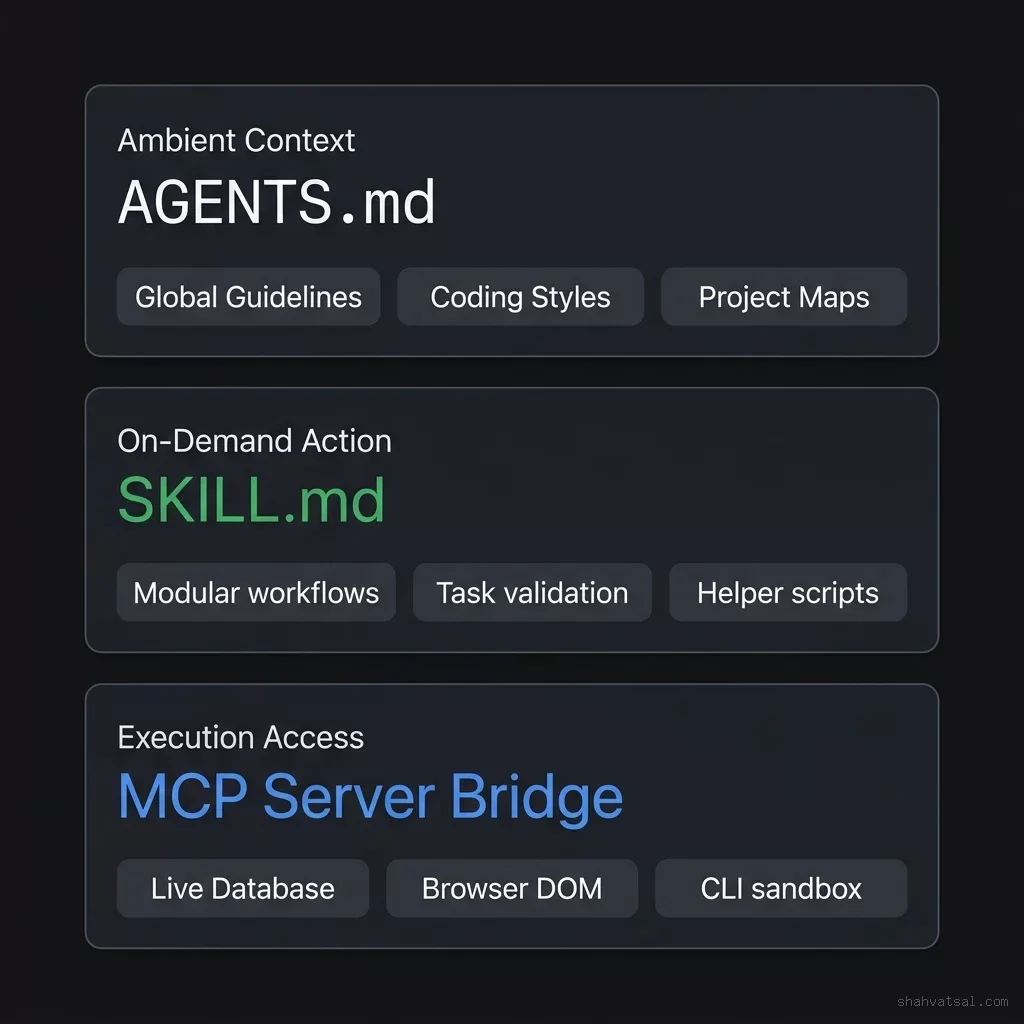
This layered model ensures that agents only consume context tokens relevant to their current execution phase, preventing the prompt saturation that occurs with monolithic rules files.
The Support Landscape: First-Class Integration
The victory of AGENTS.md over .cursorrules is driven by its wide adoption across the developer tools market. By July 2026, major agent platforms have migrated to support it as a first-class citizen:
- Devin (Cognition): Devin’s CLI and web workspace search for
.agents/AGENTS.mdto load core operational parameters, utilizing it to ground the agent's shell execution. - Claude Code & Codex: Both CLIs natively support the standard, automatically parsing nested guidelines and resolving references to supporting folders.
- Cursor IDE: While Cursor continues to support its legacy
.cursorrulesfiles, it now readsAGENTS.mdfiles placed in the project root or.cursor/rules/, treating it as an ambient instruction layer that applies across all agent modes.
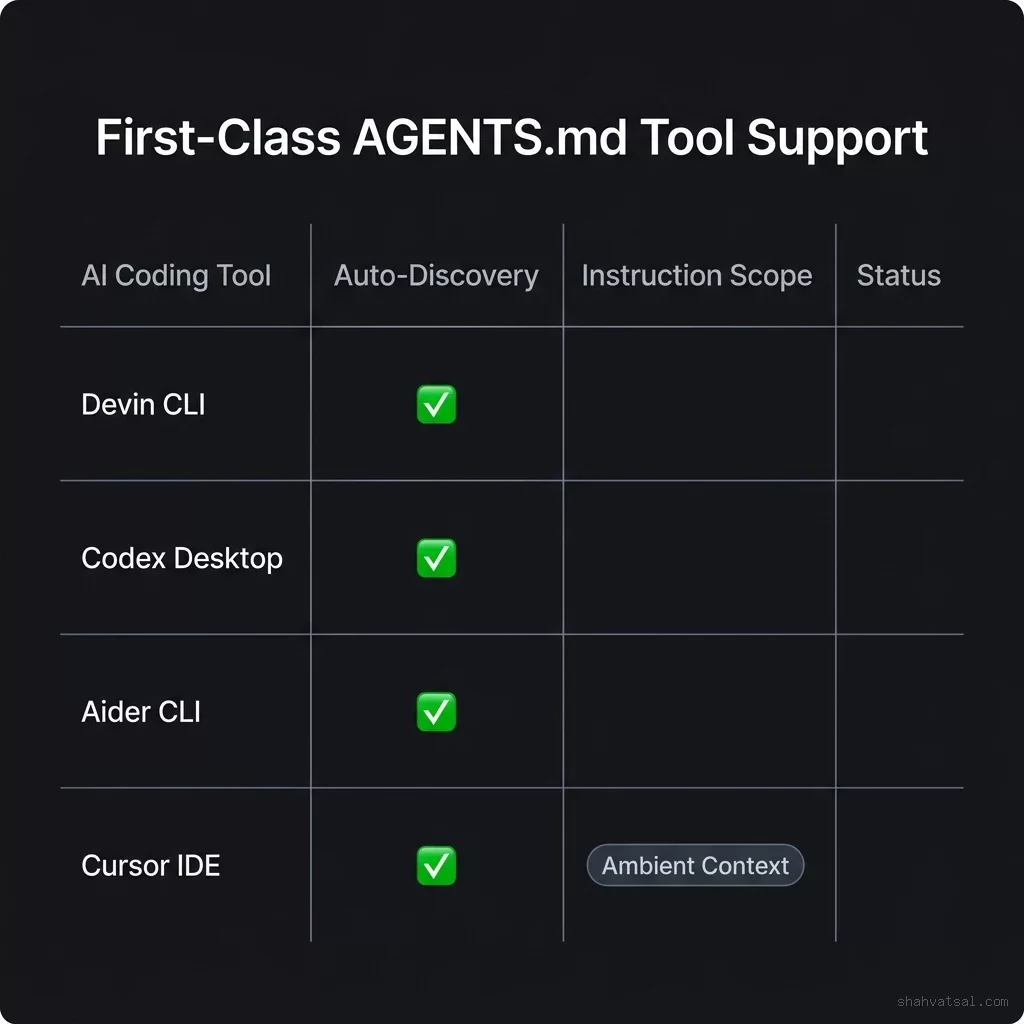
This cross-tool support means that a single file can guide a developer using Cursor, a DevOps engineer running Devin in CI/CD, and a backend developer running Claude CLI, keeping all three aligned on the same architecture rules.
Deprecating .cursorrules: Why Teams are Migrating
Multi-tool engineering organizations are actively deprecating .cursorrules in favor of AGENTS.md for several reasons:
Unified Project Mapping: A standard AGENTS.md file defines a "Start Here" registry. If the agent needs to write content, it is pointed to a specific generation workflow; if it needs to deploy, it is pointed to the upgrade build script. This registry format makes it easy for agents to discover how to perform complex operations in the codebase without human intervention.
Support for Nesting and Directory Scope: Unlike flat rules files, AGENTS.md supports nested rules. Teams can specify global project rules in the root AGENTS.md file while creating directory-specific rules inside subfolders (e.g., .agents/skills/) to guide specialized tasks. This matches the modular architecture of modern coding setups, such as Windsurf and Devin Desktop platforms.
Eliminating AI Hallucinations: Large, monolithic .cursorrules files often contradict themselves or contain outdated instructions. The structured, index-driven format of AGENTS.md forces developers to keep instructions clean and compartmentalized, reducing agent confusion and errors.
Transition Guide: Migrating from .cursorrules to AGENTS.md
To migrate your team's project instructions to the AGENTS.md format, follow this three-step pipeline:
Step 1: Create the Customization Root
Create a directory named .agents/ in your repository root. This folder will house your project's custom instructions, scripts, and skills.
Step 2: Scaffolding the AGENTS.md Index
Create the main index file at .agents/AGENTS.md (or in the repository root). Use a clean Markdown table format to define the entry points for your agent:
# Project Guidelines Index

| Category | Reference / Workflow Link |
|---|---|
| Coding Guidelines | [.agents/rules.md](file:///.agents/rules.md) |
| Database Schema | [.agents/skills/db-migrations/SKILL.md](file:///.agents/skills/db-migrations/SKILL.md) |
| Build & Packaging | [.agents/skills/build-release/SKILL.md](file:///.agents/skills/build-release/SKILL.md) |
Step 3: Extracting Modular Rules
Split your legacy, monolithic .cursorrules file into independent files. Move general coding guidelines to .agents/rules.md. For specific tasks (like running test-driven development cycles or deploying to production), package them as modular skills under .agents/skills/ using the SKILL.md format.
Sources: BuildBetter AI · Devin Extensibility Docs · Youngju Dev 2026 AI coding workflow deep dive
Frequently Asked Questions
What is the AGENTS.md standard?
AGENTS.md is an open, cross-tool markdown specification for structuring workspace guidelines, project maps, and active task tables for AI coding agents.Why is .cursorrules being deprecated?
Proprietary formats like .cursorrules are tool-specific, leading to prompt duplication. They are also unstructured, which causes context bloat and increases agent errors.How does AGENTS.md prevent context window bloat?
It acts as an index layer. Global rules are kept minimal, while complex task workflows are packaged as modular SKILL.md files that the agent only loads on-demand when needed.Which AI coding tools support AGENTS.md?
The standard is supported across leading agent platforms, including Devin, Cursor, GitHub Copilot, Claude Code CLI, and Codex Desktop.How should a team structure a workspace guidelines migration?
Teams should create a.agents/ folder, place an index-based AGENTS.md at the root, move general rules to .agents/rules.md, and convert task-specific instructions into modular skills.